
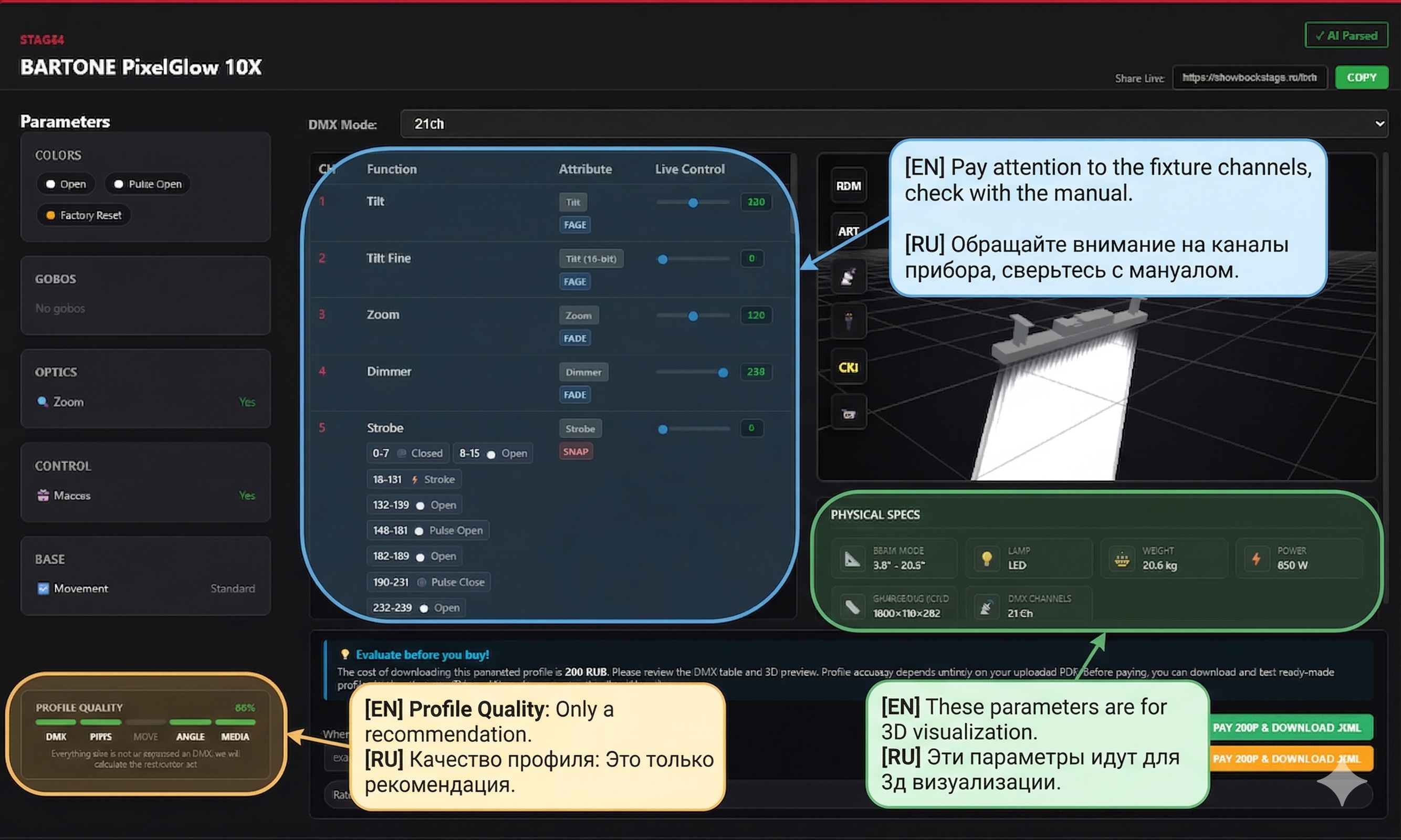
Profile Quality
How to know if the generation was successful and what the quality parameters affect.
1️⃣ DMX Channel Check (The Most Important!)
Immediately after generation, you must check against the original manufacturer's manual. Carefully look at the attributes and channel order in the preview:
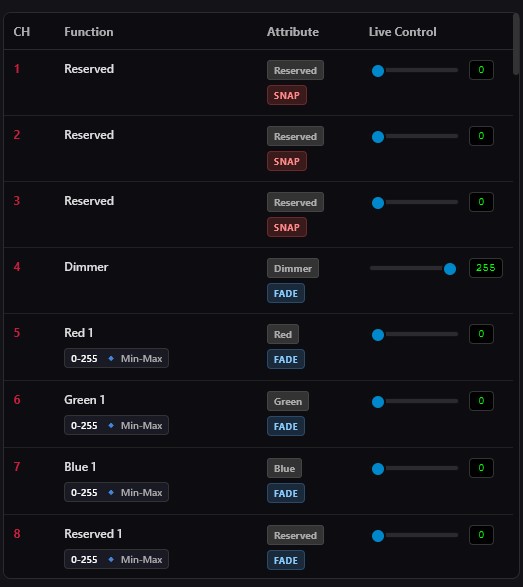
- No Gaps: All channels must be in order. Compare the table in the modal window with your PDF or photo.
- Reserved Channels: If the manual states that a channel is not used (Reserved, No function, Empty), it should be marked accordingly in the generation.
- Attribute Match: Ensure the neural network has correctly assigned the types. A Pan channel should be defined as Pan, Color as Color, and Dimmer as Dimmer.
2️⃣ Physical Parameters & 3D
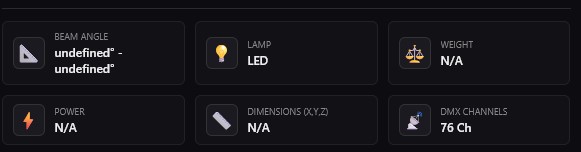
The physical parameters extracted by the neural network (weight, body dimensions in mm, power, lamp type) are used exclusively for 3D visualization in third-party programs.
The only parameters from the physics block that are included in the console's working profile and affect its operation without a visualizer are the maximum PAN and TILT rotation positions (e.g., 540° and 270°).
3️⃣ What does the quality score affect?
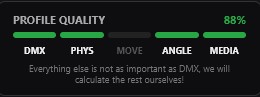
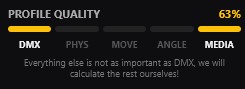
The "Profile Quality" scale indicates how completely the manual describes the device. It primarily affects 3D visualization, particularly for MA3D and the built-in visualizers of GrandMA3. The more details the manufacturer has provided, the higher the score and the more realistic the beam and geometry will be.
Don't worry!
Even if you have a low quality score, but the DMX channel table is correct — that's the most important thing! You will still get a full and completely working profile for your console. And we will substitute all the missing parameters ourselves, using averaged factory templates.