Step 01
Enable Telnet in Onyx
For versions 4.10+, you must enable external control via the Telnet protocol.
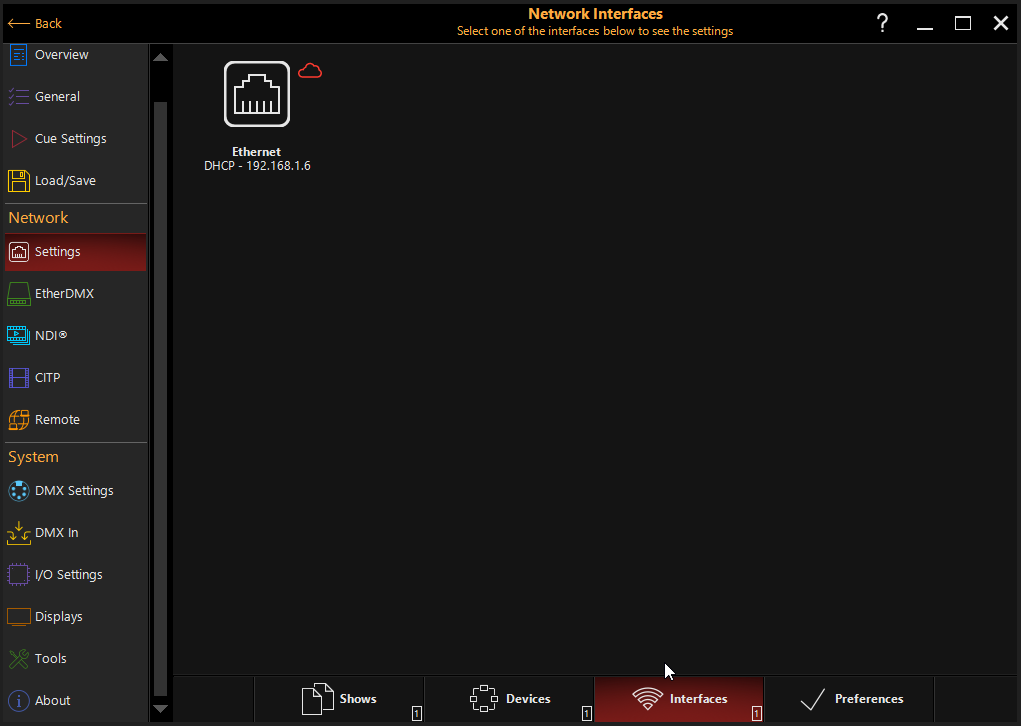
- Main Menu Click the ONYX icon in the top left corner of the screen.
- Menu > Remote Go to the "Menu" section, select "Remote," and open the Telnet tab.
- Activation Enable Telnet on the standard port. Once enabled, exit the settings mode.
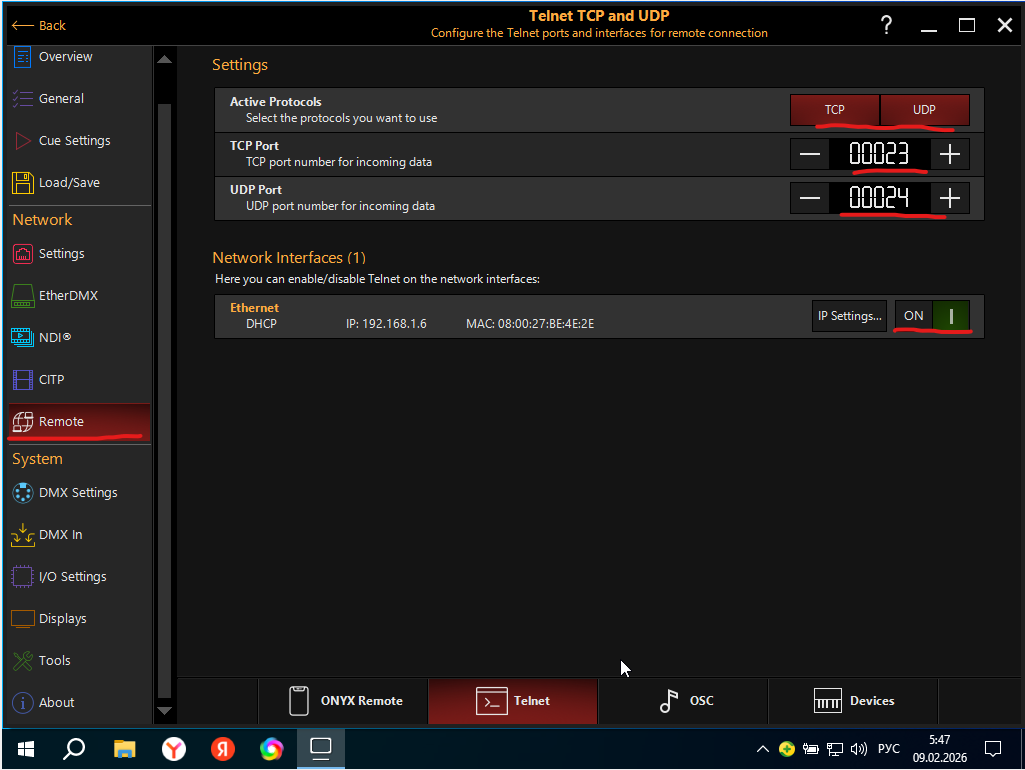
Enabling Telnet in the Remote menu