Step 01
Control and Clips
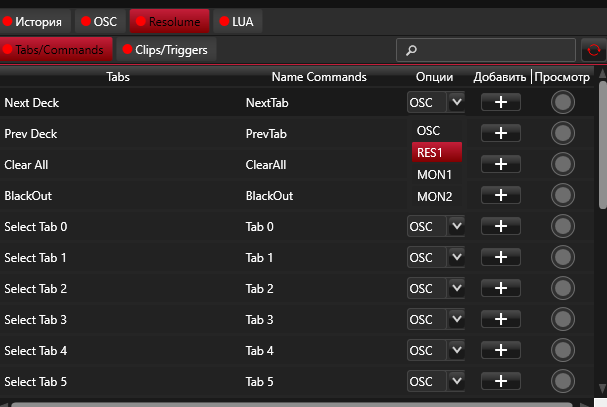
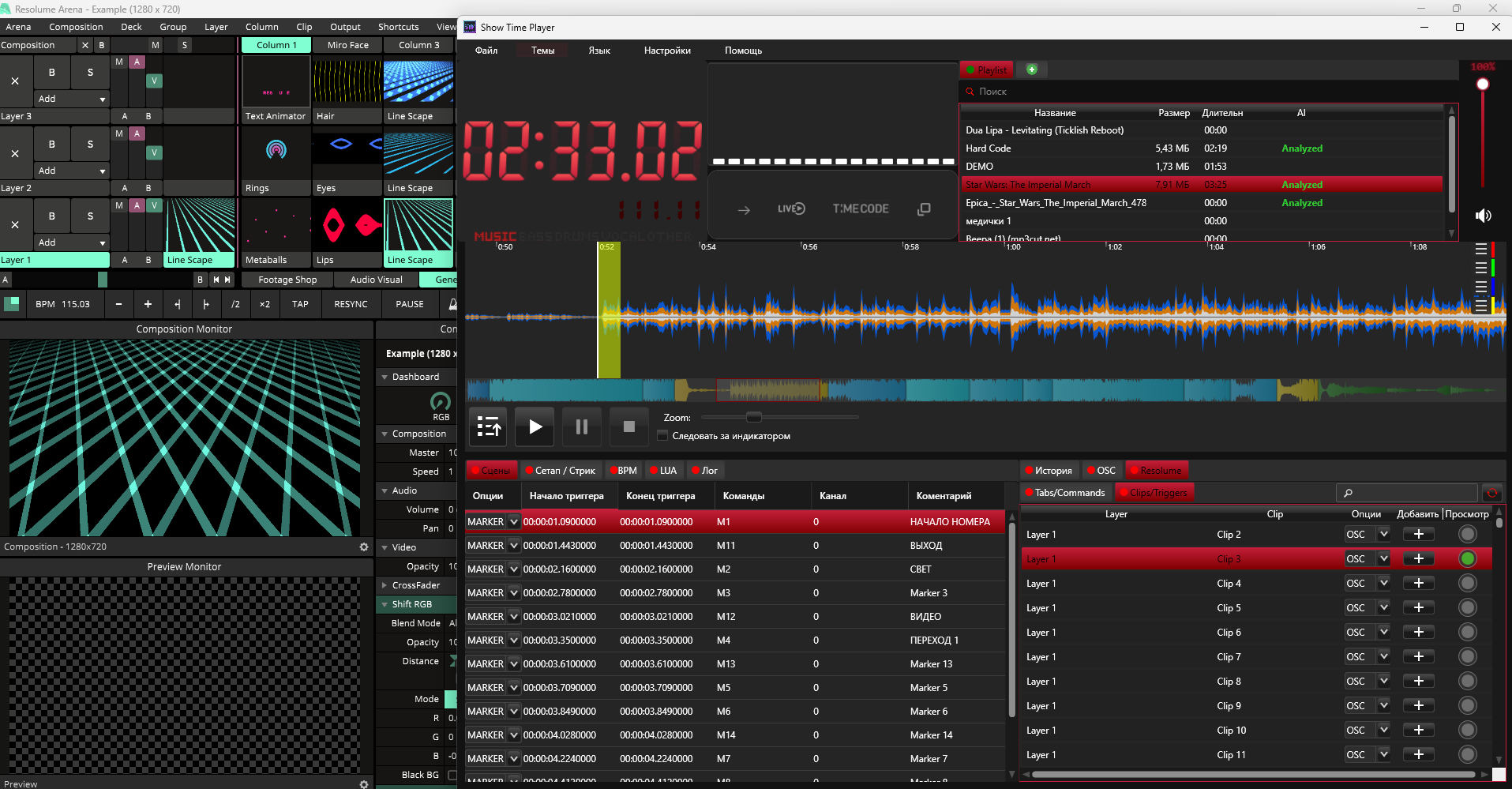
Go to SHOWTIMEPLAYER and open the Resolume tab. Here you will find everything you need to trigger your content.
- The Tabs/Commands tab — contains global Resolume commands: page (deck) switching, blackouts, layer control, and much more.
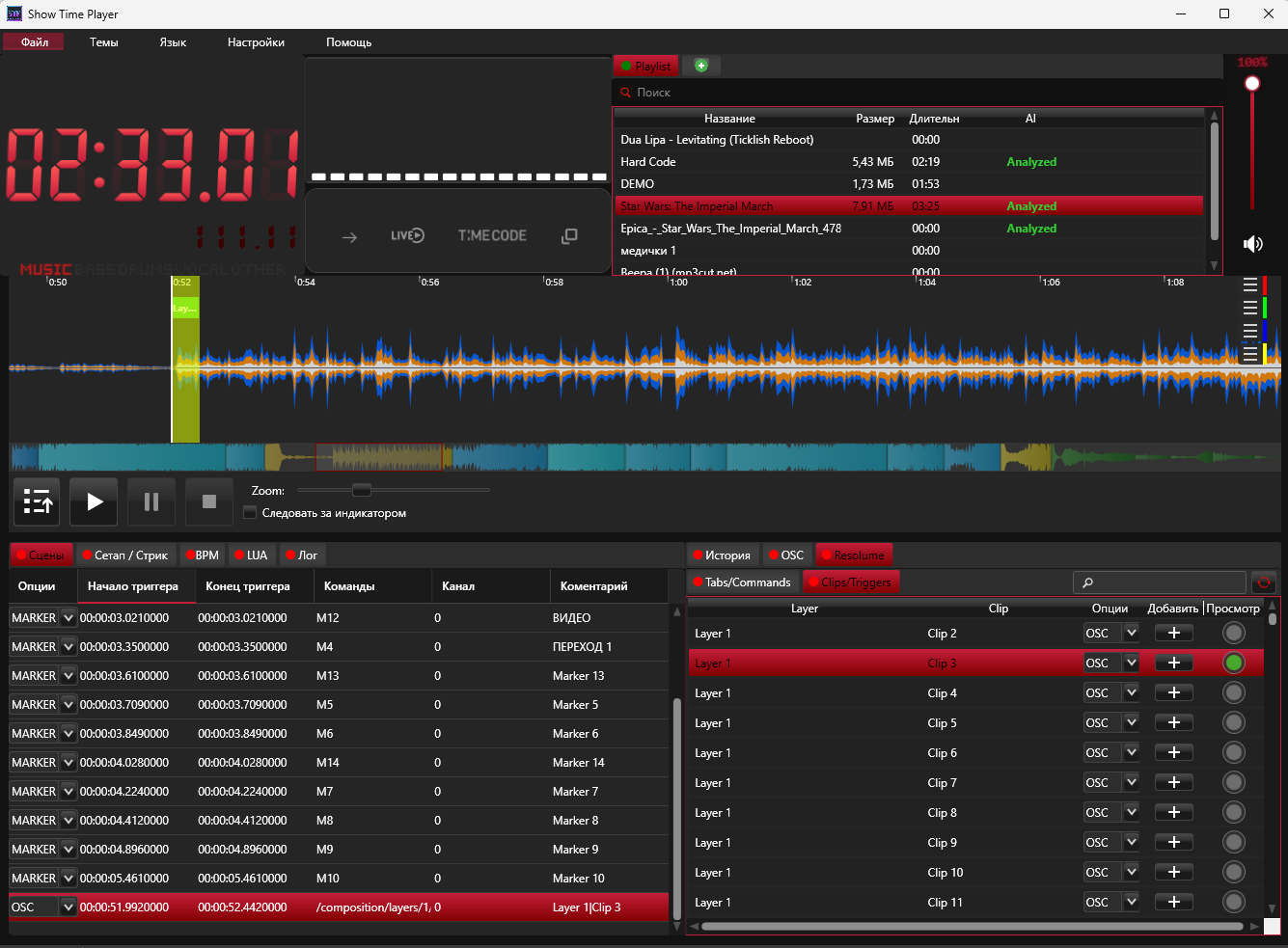
- The Clip/Trigger tab — displays your media clip library. You can easily find the desired layer and preview it by clicking on the circle next to it.
- Add a clip to the timeline by clicking the + button, and it will be triggered exactly at the designated time of your track.
Working with clips and general composition commands