Trigger Modes
Choose the appropriate mode depending on your tasks.
- Piano The trigger in SHOWTIMEPLAYER will fire at the start and turn off this clip at the end of the trigger's duration on the timeline.
- Normal The trigger fires at the start, but it won't turn off the clip at the end until a layer reset command (Clear Layer) is sent in Resolume.
- Toggle The trigger will fire at the start, but if we add the same trigger somewhere else on the timeline, it will turn off the clip when triggered a second time.
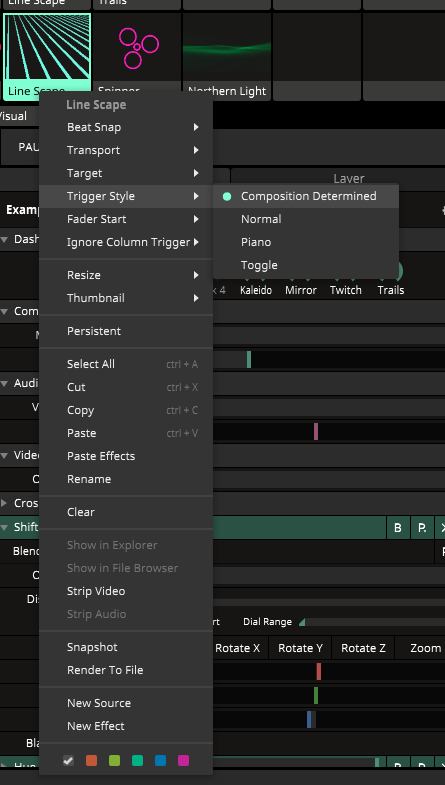
Trigger style selection menu in Resolume